


Endpoint Devices, your Business Tools
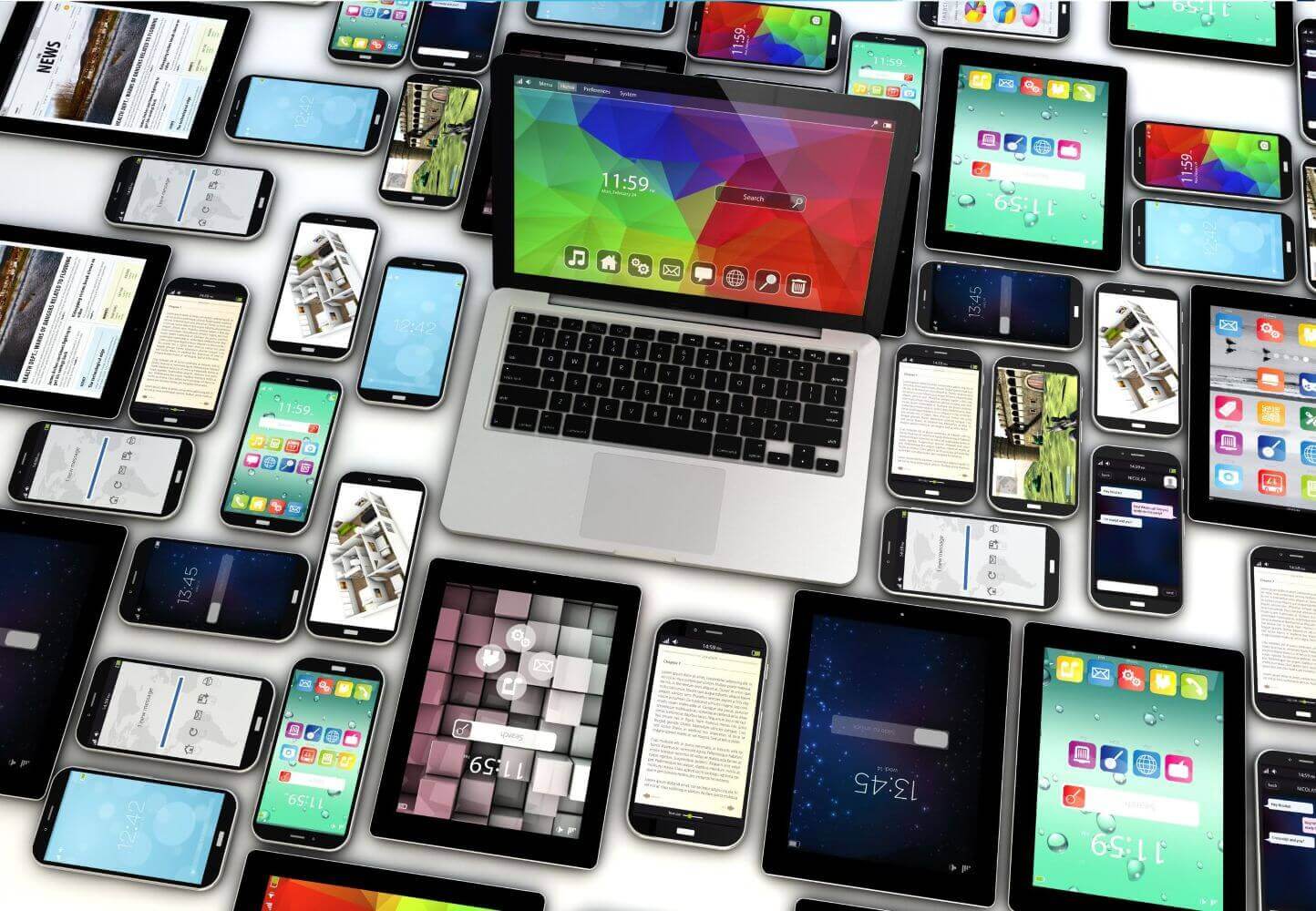
Endpoint devices are the tools your people actually touch every day, the laptops, phones, and terminals where your business really happens. For small businesses, choosing the right mix of endpoint devices isn’t just an IT decision; it’s a productivity and customer experience decision too.
Below is an overview of the main endpoint devices used in small businesses, what they’re good at, and how to think about which ones you need.
1. Desktop PCs
Where they shine:
Desktops are still the backbone in many offices, especially for roles that are mostly desk-based, like accounts, administration, design, or customer support.
Key advantages:
- Performance for the price: Generally more powerful and easier to upgrade than laptops at the same price point.
- Longevity: You can replace or upgrade components (RAM, storage, monitors) without buying a whole new device.
- Ergonomics: Paired with a full-size monitor, keyboard, and mouse, they’re better for long hours of work.
Typical use cases:
- Accounting and finance teams
- Designers using demanding applications
- Call center or support staff
- Reception and front-desk roles
If most of someone’s work happens at the same place every day, desktops are often the most cost-effective endpoint.
2. Laptops and Ultrabooks
Where they shine:
Laptops are the go-to endpoint for mobile and hybrid workers, managers, sales teams, consultants, and anyone who splits time between home, office, and client sites.
Key advantages:
Portability: Work from anywhere with Wi-Fi or mobile hotspots.
All-in-one: Screen, keyboard, battery, and webcam built in.
Modern connectivity: USB-C, HDMI, and docking options to connect to external monitors and accessories.
Typical use cases:
- Owners and managers who move between meetings
- Sales reps who visit clients
- Remote and hybrid staff
- Team members who travel occasionally
For small businesses, standardizing on a few laptop models makes support easier and helps ensure everyone has similar performance and capabilities.
3. Tablets and 2-in-1 Devices
Where they shine:
Tablets and 2-in-1s (devices that can function as both laptop and tablet) sit in the sweet spot between mobility and usability.
Key advantages:
- Great for on-the-go tasks: Perfect for quick data entry, digital forms, and showing content to customers.
- Touch and pen input: Useful in hospitality, healthcare, retail, or field work where a keyboard isn’t ideal.
- Lightweight: Easier to carry all day than a traditional laptop.
Typical use cases:
- Field technicians capturing photos and notes on site
- Retail staff checking inventory or placing orders on the shop floor
- Healthcare and wellness professionals recording notes securely
- Hospitality teams taking orders at tables
If your business relies on staff being up and moving, tablets can reduce friction and speed up service.
4. Smartphones
Where they shine:
Smartphones are often the most personal and frequently used endpoint. For many small businesses, they’re not just a phone, they’re a mobile office.
Key advantages:
- Always connected: Calls, email, messaging, and collaboration apps in one place.
- Cameras and scanners: Capture documents, barcodes, and images instantly.
- Location-aware: Useful for delivery teams, field services, and logistics.
Typical use cases:
- Owners managing the business on the go
- Salespeople responding quickly to customers
- Delivery drivers using navigation and proof-of-delivery apps
- On-call staff who need to be reachable at all times
If employees use personal phones for work (BYOD – bring your own device), it’s important to have clear policies and mobile security in place.
5. Point-of-Sale (POS) Terminals
Where they shine:
In any business that takes payments in person, retail, hospitality, salons, trades, POS terminals are mission-critical endpoints.
Key advantages:
- Fast, secure payments: Chip & PIN, contactless, and mobile wallets.
- Integrated with inventory and reporting: Modern systems link directly to your product catalog and sales data.
- Customer-facing experience: Small, sleek devices that make checkout quick and professional.
Typical use cases:
- Shops and boutiques
- Cafés, bars, and restaurants
- Pop-up shops and market stalls
- Service businesses taking card payments on site
Many modern POS terminals are tablet-based or work with smartphones, giving you flexibility and mobility.
6. Thin Clients and Virtual Desktops
Where they shine:
Thin clients are low-power devices that connect to a central server or cloud desktop rather than running everything locally.
Key advantages:
- Centralized management: Apps and data live on a server, so updates and backups are simpler.
- Improved security: Less sensitive data stored on the device itself.
- Longer lifespan: Fewer moving parts and lower performance demands.
Typical use cases:
- Environments with many identical workstations (e.g. call centers)
- Businesses with strict compliance or data control requirements
- Shared desks or hot-desking setups
Thin clients can be a smart option once your business reaches a certain size or needs tighter control over data.
7. VoIP Desk Phones and Headsets
Where they shine:
Communication is still at the heart of most businesses, and many still rely on dedicated endpoints for calls.
Key advantages:
- Consistent call quality: Designed specifically for voice.
- Feature-rich: Call transfer, hold music, conference calls, and voicemail integration.
- Paired with headsets: Ideal for support and sales teams on the phone all day.
Typical use cases:
- Reception and main switchboard
- Customer service and support teams
- Sales teams making outbound calls
- Meeting rooms and conference areas
Even if most people use softphones on their laptops, dedicated phones and headsets can improve comfort and clarity.
8. Printers, Scanners, and Multifunction Devices
Where they shine:
Despite the push toward “paperless” offices, most small businesses still depend on print and scanning for contracts, forms, and records.
Key advantages:
- Centralized document handling: One multifunction device (print/scan/copy) can serve a whole team.
- Digital workflows: Scanned documents can go straight into email, shared drives, or document systems.
- Secure printing options: PIN or card-based release to prevent documents being left on the tray.
Typical use cases:
- Offices that handle contracts and paperwork
- Customer-facing areas needing receipts and forms
- Back-office document archiving
Treat printers and scanners as endpoints too, they connect to your network and need managing and securing just like PCs.
9. IoT and Smart Devices
Where they shine:
More and more, small businesses are using “smart” endpoint devices that quietly support operations in the background.
Examples include:
- Smart door access and security cameras
- Environmental sensors (temperature, humidity, motion)
- Smart lighting and energy controls
- Networked time clocks for staff attendance
These endpoints might not look like traditional computers, but they rely on your network and often collect valuable data.
Choosing the Right Endpoint Mix for Your Business
When deciding which endpoint devices your small business needs, consider:
- Role and workflow: What does each person actually do all day? Do they sit, move, visit sites, or serve customers face-to-face?
- Mobility requirements: Do they need full access to systems when away from the office, or just light access (email, chat)?
- Security: Which devices will hold sensitive data? Can you manage updates, antivirus, and access control consistently?
- Budget and lifecycle: It’s often better to buy slightly better devices that last longer than the cheapest option that needs replacing sooner.
A typical small business might end up with a core of desktop PCs in the office, laptops for managers and remote workers, a handful of tablets or smartphones for mobile staff, and POS terminals or VoIP phones where customer interactions happen.
The key is to design your endpoint mix around people and processes first, and technology second. When you match the right device to the right job, everything feels smoother, staff are happier, customers are served faster, and your business runs more efficiently.
We provide IT Support for Small Business with all brands of Computer, Laptop and networking device.
Get in touch
Whether you’re looking for a new IT Support partner and help with procuring IT devices, have issues with current devices that need resolving quickly, or would just like to find out more about what we can help you with, we look forward to hearing from you.
Either fill out our contact form and we’ll get back to you by email.
Alternatively if you need help quickly, please call:
London 0208 123 0007
Or
Kent 01689 422522.
Or click for a free 20 minute IT Consultation.