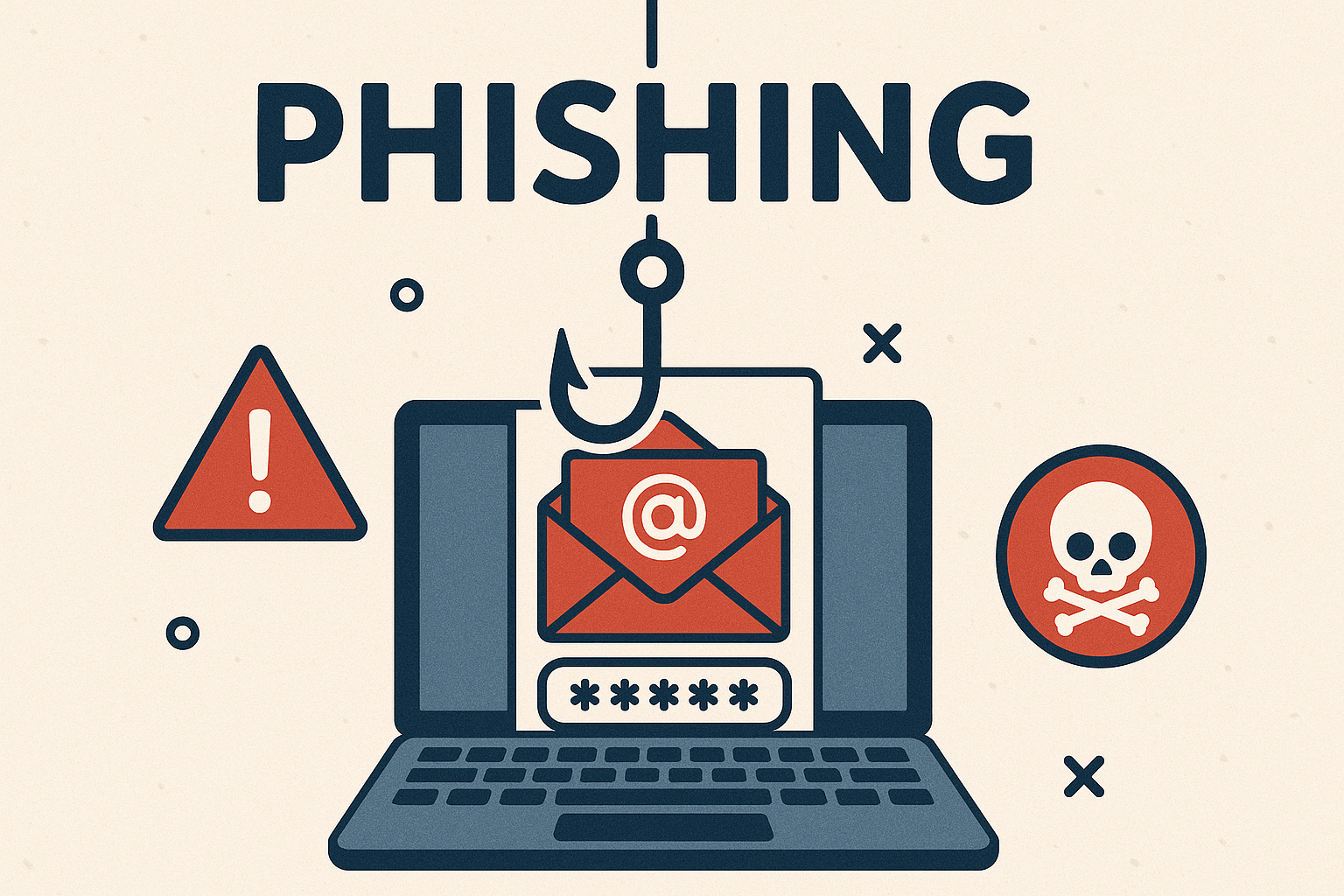
Phishing is one of the most common and dangerous cyber threats facing UK businesses today. With cyber criminals getting smarter, the risk of your team falling for a phishing scam increases every year. But what exactly is phishing, and how can your business build resilience against it?
This blog explains everything you need to know about phishing attacks, how they work, why they matter, and what practical steps you can take to prevent your team becoming the next victim.
If you need expert advice or hands-on support for your IT security, get in touch with IT Support UK on 01689 422522 or visit our contact page.
What Is a Phishing Attack?
Phishing is a form of cybercrime where attackers impersonate trusted organisations or individuals to trick victims into revealing sensitive information. These attacks typically take the form of emails, text messages, phone calls, or even social media messages, and aim to get recipients to:
- Click on malicious links
- Open harmful attachments
- Enter login credentials on fake websites
- Transfer money or sensitive data
Some of the most common types of phishing include:
- Email phishing: The classic method, where attackers send fake emails pretending to be from banks, delivery companies, HMRC, or even a colleague.
- Spear phishing: A targeted attack that uses personal information to make the message seem more legitimate.
- Smishing: Phishing via SMS, often pretending to be from a bank or parcel delivery service.
- Vishing: Voice phishing via a phone call, often impersonating IT support or financial institutions.
- Quishing: The latest trend, where QR codes are used to trick victims into visiting malicious websites.
Why Phishing Matters to Your Business
Phishing isn’t just a tech issue – it’s a business issue. The consequences of a successful phishing attack can be severe:
- Data breaches: Employees may unintentionally hand over login credentials, giving attackers access to confidential systems.
- Financial loss: Attackers may convince staff to transfer money or pay fake invoices.
- Reputation damage: Clients lose trust if their data is compromised or if operations are disrupted.
- Regulatory fines: Data breaches can lead to GDPR penalties and investigations.
According to the UK Government’s 2024 Cyber Security Breaches Survey, phishing is the most common form of cyber threat, with over 80% of businesses experiencing at least one phishing attempt in the past 12 months.
How Do Phishing Attacks Work?
Phishing relies on social engineering – manipulating people into taking actions they normally wouldn’t. A typical phishing attack follows these steps:
- Research: The attacker gathers information about the target to make the message seem more credible.
- Delivery: A fake message is sent via email, SMS, or phone call.
- Deception: The message includes a call to action – click a link, download a file, or share information.
- Payload: The link may lead to a fake website designed to steal login details, or the attachment may install malware.
- Exfiltration: The attacker collects the stolen data or uses access to move further into your systems.
Phishing attacks are constantly evolving. AI-generated emails, QR code scams, and browser-based attacks that bypass multi-factor authentication are now on the rise.
Signs of a Phishing Email
Training your team to spot phishing attempts is key. Here are some common red flags:
- Unexpected emails requesting urgent action
- Generic greetings like “Dear Customer”
- Misspellings or poor grammar
- Suspicious-looking links (hover to preview before clicking)
- Attachments from unknown senders
- Email addresses that look almost correct but aren’t
- Requests for login credentials, personal information, or payments
Encourage your team to double-check before taking any action, and to report suspicious messages to your IT team.
The Real Cost of Phishing
The damage from a phishing attack goes far beyond the initial compromise:
- Recovery costs: From IT support to PR management, the costs quickly add up.
- Downtime: Systems may need to be taken offline, halting productivity.
- Client loss: Trust is hard to earn, and easy to lose.
- Legal issues: If personal data is exposed, you may face lawsuits or investigations.
It’s far cheaper to invest in prevention than it is to recover from an attack.
How to Prevent Phishing in Your Organisation
Preventing phishing requires a combination of technical defences, user training, and proactive security policies. Here’s what you can do:
1. Implement Multi-Factor Authentication (MFA)
MFA adds an extra layer of protection even if a password is compromised. Encourage all staff to enable MFA across all key platforms.
2. Use Email Filtering Tools
Modern email gateways can scan and block suspicious emails before they reach inboxes. Choose a solution that offers phishing and malware detection.
3. Provide Regular Security Awareness Training
Train employees to spot phishing messages and understand how to respond. Run simulated phishing tests to assess and improve awareness.
4. Enforce Strong Password Policies
Use password managers, require complex passwords, and rotate credentials regularly.
5. Deploy DNS Filtering
DNS filtering can prevent users from accessing malicious websites even if they click on a phishing link.
6. Have an Incident Response Plan
Establish a clear process for reporting phishing attempts and responding to breaches. Practice this plan regularly.
7. Keep Software and Systems Updated
Security patches should be applied promptly to reduce vulnerabilities.
8. Secure Your Mobile Devices
Ensure work phones and tablets are protected with security software and managed via MDM (mobile device management).
Role of Leadership in Preventing Phishing
Phishing prevention isn’t just an IT responsibility – it starts at the top. Leaders must:
- Foster a culture of security awareness
- Invest in proper tools and training
- Hold departments accountable for compliance
- Lead by example by following best practices
What To Do If Your Business Falls Victim
Despite your best efforts, phishing attacks may still succeed. Here’s what to do if it happens:
- Disconnect affected devices from your network.
- Reset passwords and enable MFA immediately.
- Run antivirus and anti-malware scans on compromised machines.
- Notify your IT support provider to investigate the extent of the breach.
- Report the attack to the Information Commissioner’s Office (ICO) if personal data was compromised.
- Communicate transparently with affected clients or stakeholders.
Timely action can contain the damage and prevent a repeat incident.
Stay Ahead of the Threat
Cybercriminals never rest, and neither should your defences. Here are some emerging phishing trends to watch:
- AI-generated emails: These are harder to spot than traditional scams.
- QR code phishing (quishing): Fake QR codes embedded in posters, emails, or ads.
- Phishing kits: Available on the dark web, making it easy for non-technical criminals to launch attacks.
- Browser session hijacking: Sophisticated methods bypass MFA by stealing active session tokens.
Stay informed, stay trained, and stay protected.
Final Thoughts
Phishing attacks remain the number one cyber threat to UK businesses. But with a proactive, layered approach, you can dramatically reduce your risk.
- Educate your staff
- Invest in robust cybersecurity tools
- Maintain up-to-date systems
- Create a culture of security from top to bottom
If you want to strengthen your organisation’s defences against phishing, we’re here to help. Call IT Support UK on 01689 422522 or contact us here to book a security assessment or staff training session.
Don’t wait for a phishing attack to test your defences. Take action today and safeguard your business tomorrow.