
IT Infrastructure for small Businesses

Cost effective IT Infrastructure that won’t break the bank

A strong, scalable IT infrastructure is an absolute ‘must have’ for every business, but it doesn’t have to be complicated or expensive. Whether you’re running a busy office, a growing multi-site organisation or supporting hybrid and remote teams, your network, cabling, Wi-Fi, servers and security all need to work together seamlessly so your people can simply get on with their jobs.

At IT Support UK, we design, install and maintain business IT infrastructure built specifically for small and medium-sized organisations. From tidy, well-planned data cabinets and structured cabling, through to resilient internet connectivity, firewalls, Wi-Fi and endpoint devices, we make sure every part of your environment is reliable, secure and ready for the future. Our team combines enterprise-grade expertise with a friendly, practical approach,  no jargon, no drama, just clear advice and neatly delivered solutions.

Good infrastructure isn’t just about technology; it’s about reducing downtime, protecting your data and giving your team fast, consistent access to the tools they rely on every day. With the right foundations in place, you can adopt cloud services with confidence, support flexible working and scale your business without worrying that your systems will hold you back. We’ll help you understand what you already have, where the gaps are and how to move forward in a sensible, cost-effective way, whether that means a small upgrade or a complete refresh.

If you’re planning a new office, struggling with slow or unreliable systems, or simply want reassurance that your existing setup is fit for purpose, we’re here to help. Explore the key building blocks of business IT infrastructure below to see how everything fits together, or get in touch to arrange a no-obligation chat about your network and systems.
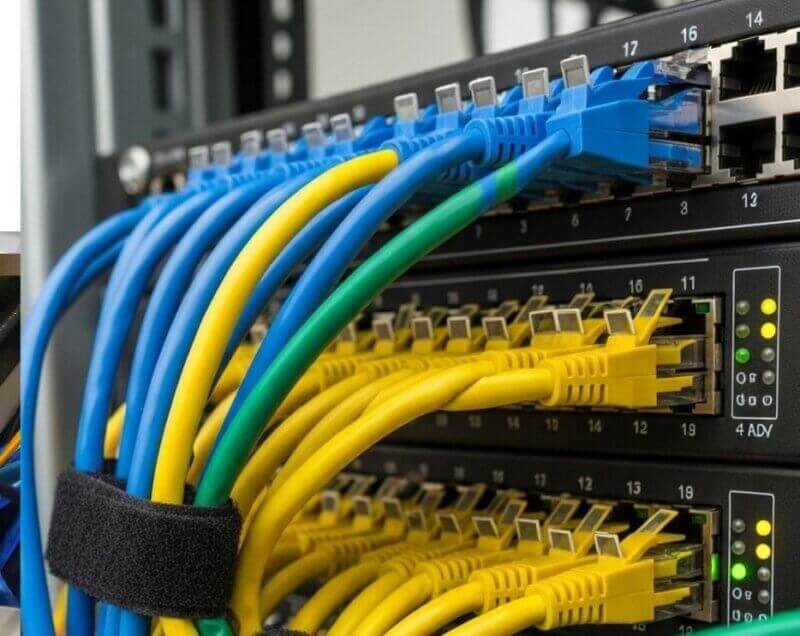
A data cabinet provides a secure, organised enclosure for housing critical network equipment such as switches, patch panels, routers and cable terminations. A well-designed cabinet improves airflow, reduces overheating and supports neat cable management, making troubleshooting faster and more efficient. Proper rack layouts, labelled cabling and adequate power distribution help maintain reliability and minimise downtime. Lockable doors and controlled access add an important security layer, protecting essential infrastructure from accidental or unauthorised interference.

Server data cabinet with colour coded patch cables
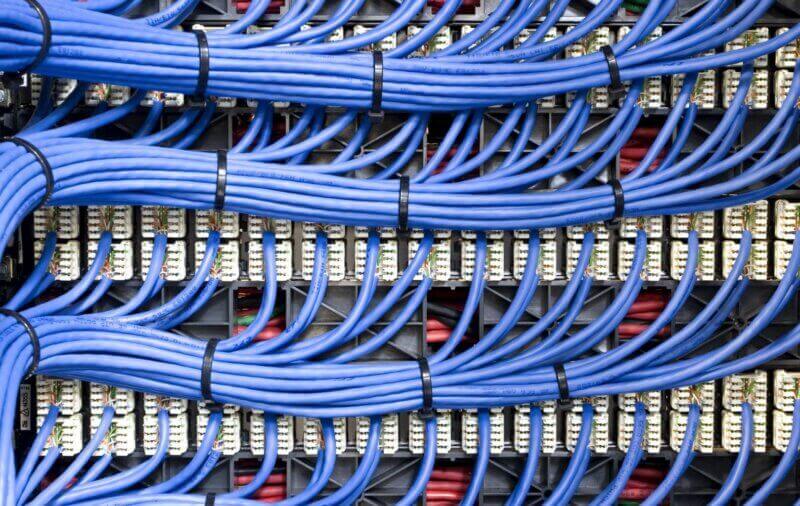
Structured data cabling on the rear of a patch panel

Data cabling provides the essential physical foundation for all network communication within an organisation. A professionally installed structured cabling system ensures consistent performance, reduced interference and easier troubleshooting. Using standards-compliant CAT8, CAT7A, CAT7, CAT6, CAT6A or fibre cabling helps future-proof the environment and support higher bandwidth requirements. Quality installation with proper labelling and cable management not only improves reliability but also minimises downtime, enabling seamless connectivity between servers, switches, access points and user devices.

Internet connectivity and wide area networking (WAN) enable communication between local offices, cloud services and remote workers. Using multiple connections, such as fibre, copper and 5G, increases resilience and reduces downtime risks. SD-WAN technology can intelligently route traffic based on application priority, improving performance and cost efficiency. Regular bandwidth assessments, monitoring and provider reviews ensure that the organisation’s connectivity remains reliable as demands grow. Stable external connectivity is vital for cloud adoption and modern digital operations.

Internet image with code in the background
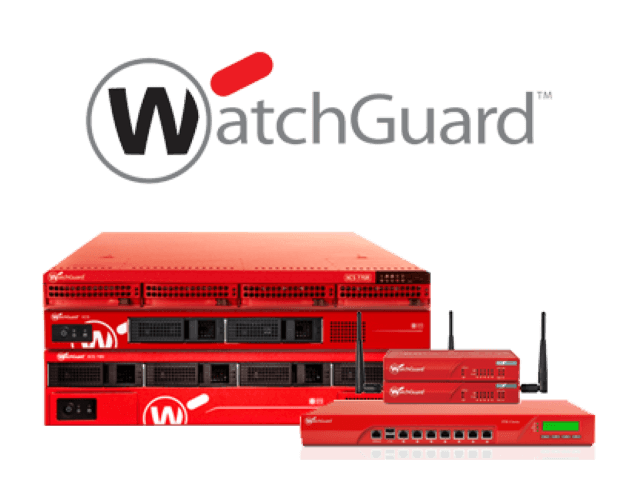
Watchguard Firewalls for Business

Firewalls and perimeter security whether included in a Network Router or stand alone systems protect the organisation from external threats and unauthorised access. Next-generation firewalls including: Watchguard, Fortinet, Cisco, Sophos, Ubiquiti, Draytek and SonicWall offer intrusion prevention, application control and threat intelligence to identify and stop malicious activity. They enforce policies across internal networks, remote users and cloud environments. Regular rule reviews, firmware updates and log monitoring help maintain a strong security posture. Secure VPN access also allows employees to work remotely while safeguarding sensitive data. These firewall security solutions for business form the first line of defence against cyber risks.

Computer networking in a business enables seamless communication and data exchange between employees, devices and systems. A well-structured network connects servers, workstations and cloud services, ensuring that information flows efficiently and securely across the organisation. Proper segmentation, routing and switching help optimise performance while protecting sensitive areas of the network. Reliable connectivity supports collaboration tools, remote access, VoIP and business applications. With strong monitoring, security policies and regular maintenance, a business computer network becomes a stable and scalable foundation for daily operations and long-term growth.

Laptop Computers in a Network
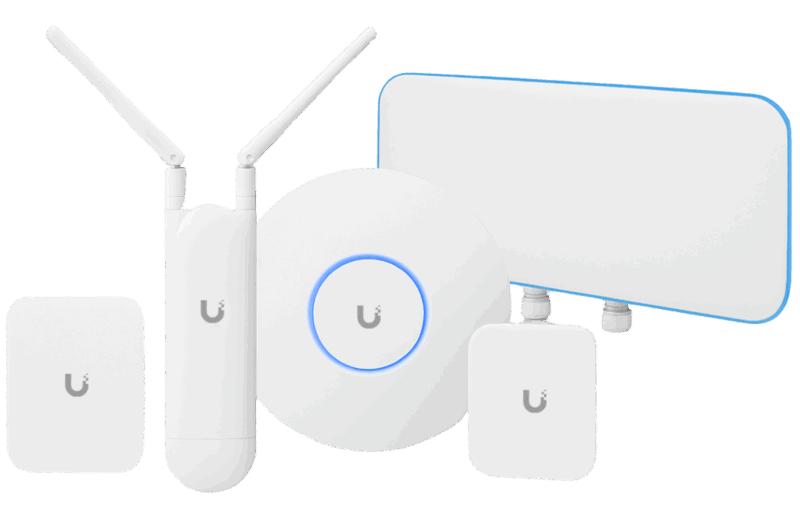
Ubiquiti Wifi 7 Access Point

A Ubiquiti network offers a scalable and centralised approach to wired and wireless infrastructure management. Through the UniFi platform, administrators can configure access points, switches and security gateways from a single interface. This unified design increases visibility, simplifies maintenance and enhances security oversight. Ubiquiti network equipment supports VLANs, roaming, guest Wi-Fi and performance analytics, ensuring stable connectivity. The system’s reliability and cost-effectiveness make it suitable for businesses seeking professional, enterprise-grade networking without unnecessary complexity.

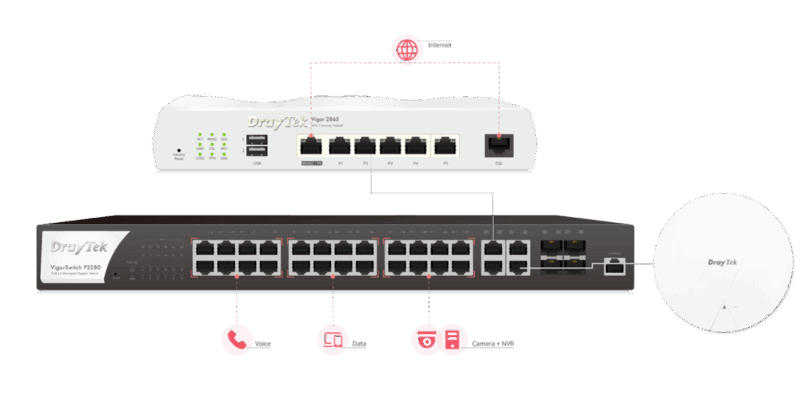
DrayTek routers and firewalls provide secure connectivity, VPN access and comprehensive network controls for small to medium-sized organisations. Their multi-WAN capabilities ensure resilience and uptime through automatic failover. Built-in features such as traffic shaping, web filtering and intrusion detection enhance security and performance across the network. DrayTek’s remote management tools allow IT teams to resolve issues quickly and maintain consistent configurations across multiple sites. This combination of reliability and security makes DrayTek a trusted option for many businesses.

Draytek router, switch and access point
Ubiquiti Wifi Access Points

A secure and well-designed wireless LAN provides reliable mobility for employees and visitors. Professional Wi-Fi deployment considers building materials, interference and device density to place access points optimally. Modern wireless systems support fast roaming, guest segmentation and strong WPA3 encryption. Centralised management platforms streamline configuration, firmware updates and performance monitoring. High-quality Wi-Fi ensures seamless connectivity across offices, warehouses and public areas, enabling flexible and productive working environments.

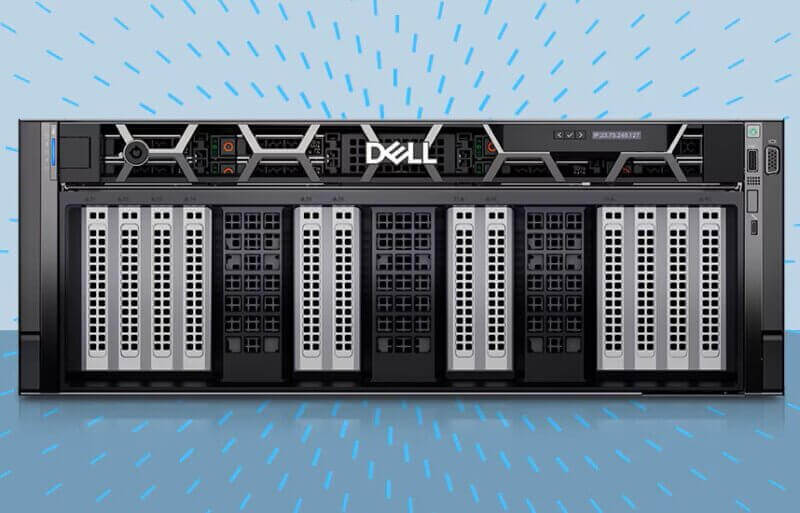
Servers, desktops and laptops form the core computing resources that employees and applications rely on daily. Servers provide centralised processing power, storage and application hosting, while desktops deliver stable performance for office-based staff. Laptops support mobility and flexible working, enabling secure access from remote locations. Standardising hardware models ensures consistent performance and simplifies maintenance. Regular updates, firmware patches and security controls help protect these devices from vulnerabilities. Together, they create a dependable and efficient computing environment that supports productivity across the organisation. We support Dell, HP and Lenovo

Dell Poweredge Server
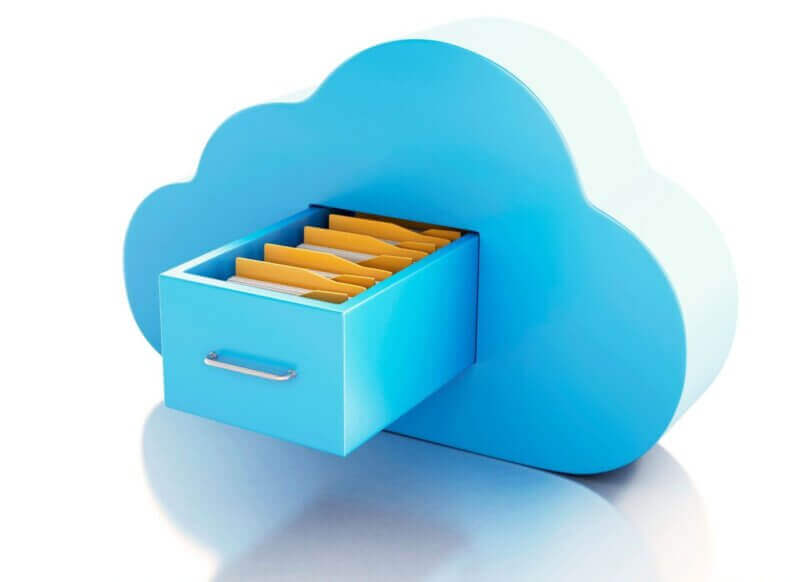
Data storage drawer in a cloud

Storage systems house essential business data, while backup solutions provide protection against loss. Network-attached storage (NAS) and data storage area networks (SAN) offer centralised, high-performance capacity for virtual machines, file shares and databases. A robust backup strategy includes onsite, offsite and cloud-based copies, with automated scheduling and routine recovery testing. Clear retention policies ensure compliance with data regulations. Reliable storage and backup infrastructure minimises downtime and supports fast restoration following hardware failure, accidental deletion or cyber incidents.

Endpoint devices encompass desktops, laptops, mobile devices and thin clients used by employees to perform their daily tasks. Standardising device models and configurations improves support efficiency and ensures consistent security controls. Centralised management allows IT teams to deploy updates, enforce policies and track device health remotely. Protecting endpoints with encryption, antivirus and regular patching reduces the risk of data breaches and malware incidents. Reliable, well-maintained endpoints help staff work productively and securely from any location.

Endpoint Devices
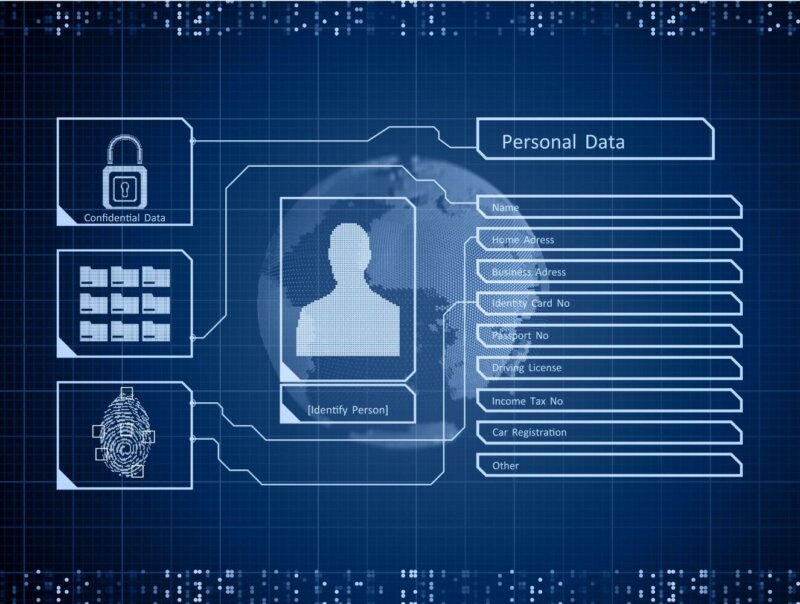
Identity Access Management to Personal Date

Identity and access management (IAM) controls authentication, permissions and user access across systems and applications. Central directory services such as Azure AD or Active Directory provide a unified platform for user provisioning and security policy enforcement. Multifactor authentication, password policies and role-based access help protect accounts from misuse. Regular reviews of permissions, combined with automated onboarding and offboarding, maintain accuracy and reduce security risks. Strong IAM practices are essential for safeguarding critical data assets.

Monitoring and alerting solutions give IT teams real-time insights into infrastructure health, performance and security. These tools track metrics from servers, network devices, cloud services and applications, presenting them in dashboard views. Alerts notify engineers of anomalies before they escalate into major incidents. Historical data assists with capacity planning and trend analysis. Effective monitoring reduces downtime, supports informed decision-making and ensures consistent service levels throughout the organisation.

IT Network Device Monitoring
IT Compliance symbol

Security management and compliance frameworks ensure that organisational IT practices meet regulatory, legal and industry standards. They encompass policies for data protection, acceptable use, incident response and vendor management. Regular security assessments, penetration tests and patching cycles help identify vulnerabilities. Employee awareness training strengthens human-risk mitigation. Maintaining clear documentation and audit trails provides evidence of good governance and builds trust with customers and stakeholders, supporting a strong security posture.

Documentation and change management support the stability and transparency of IT operations. Accurate records, including network diagrams, asset lists and configuration notes, enable faster troubleshooting and reduce dependency on specific individuals. A formal change management process ensures that updates to systems are planned, reviewed and tested before implementation. This reduces the risk of unexpected downtime and configuration errors. Good documentation practices strengthen continuity, improve collaboration and support long-term operational efficiency.

IT Documentation and Change Management

Feel free to book a 20 minute IT consultation:

Whether your IT system is broken – You’re concerned about IT security

Looking for a second opinion – Considering a new support provider

We’d love to hear from you – Get in touch today